
Side Cart & Checkout for WooCommerce
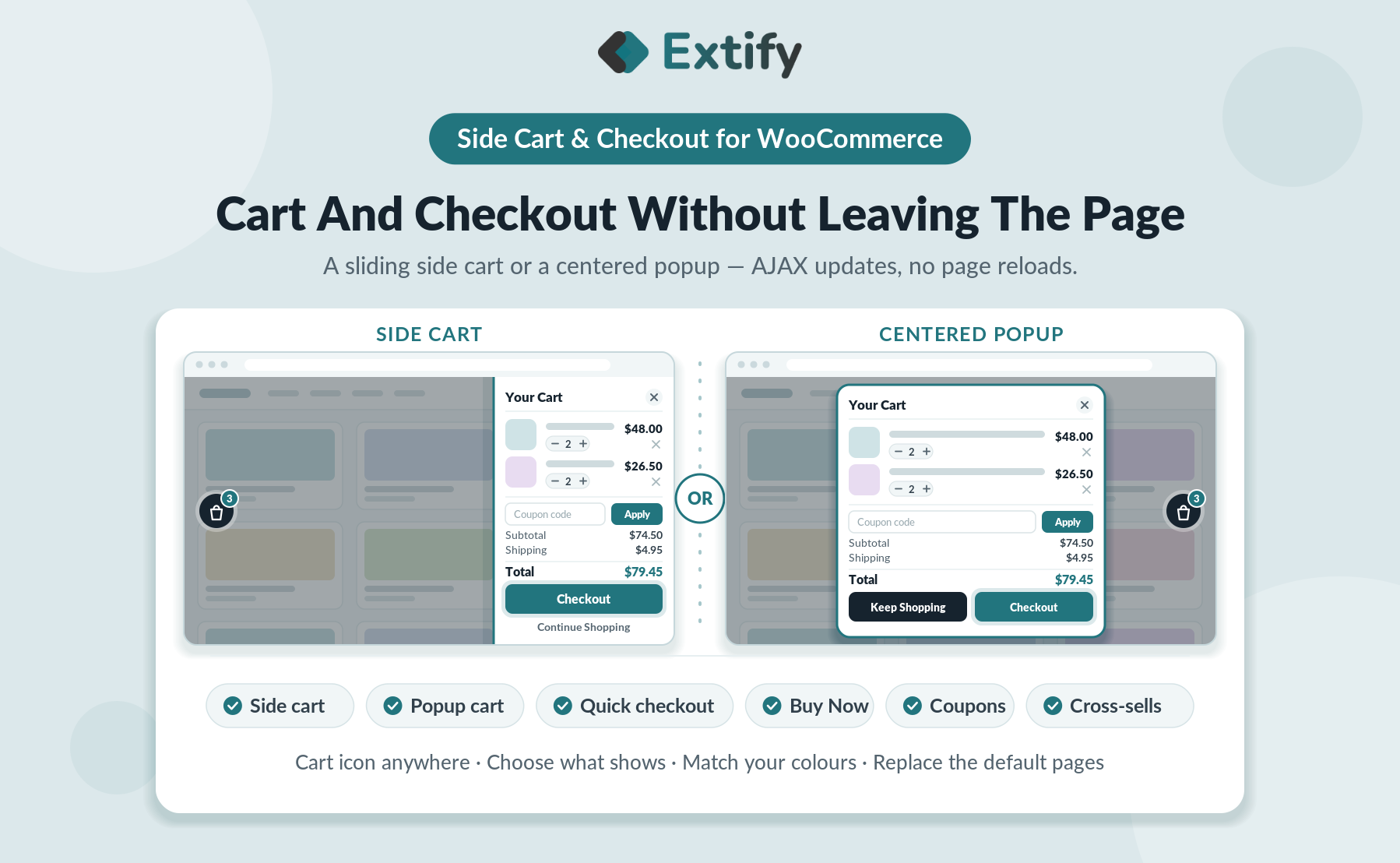
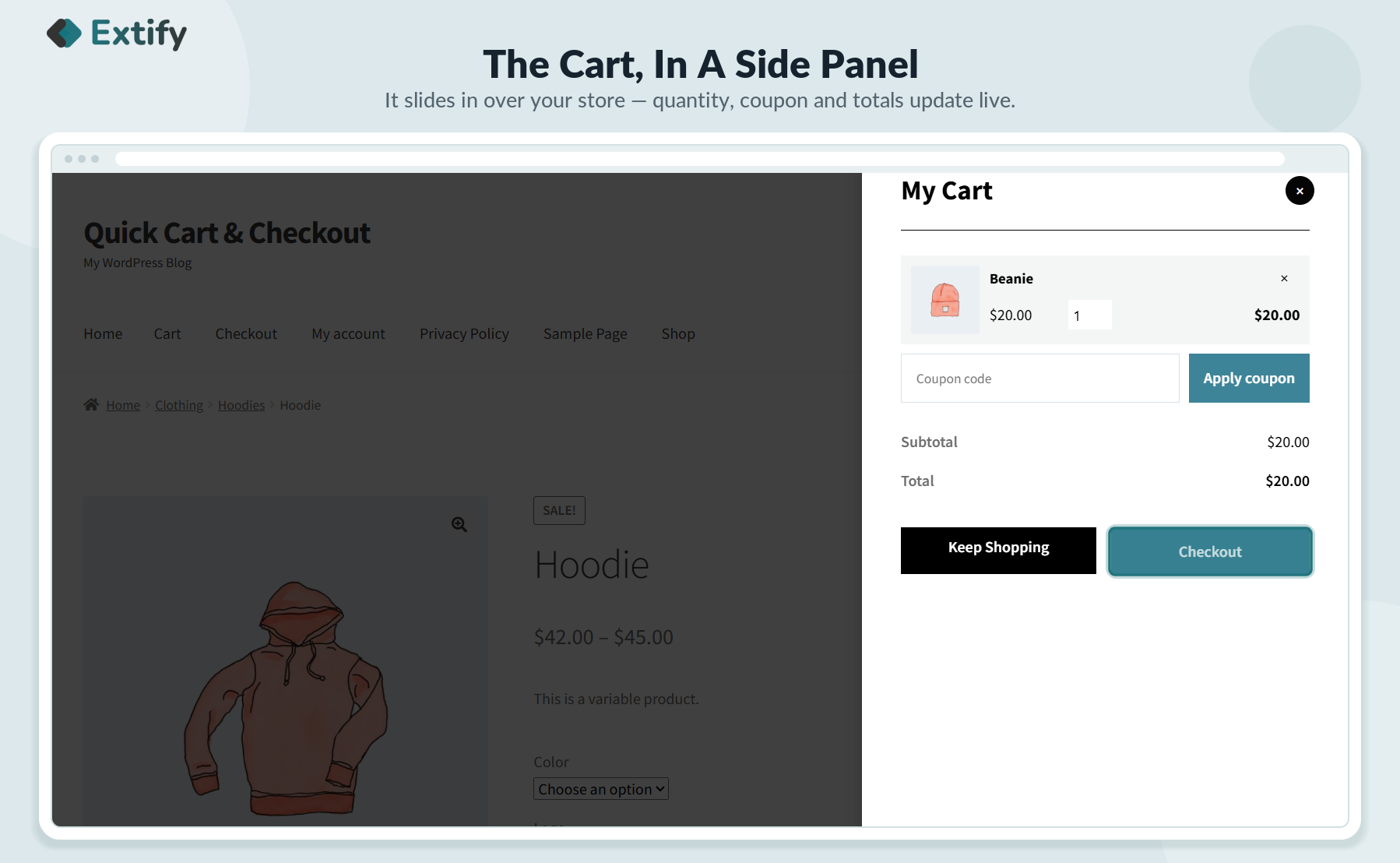
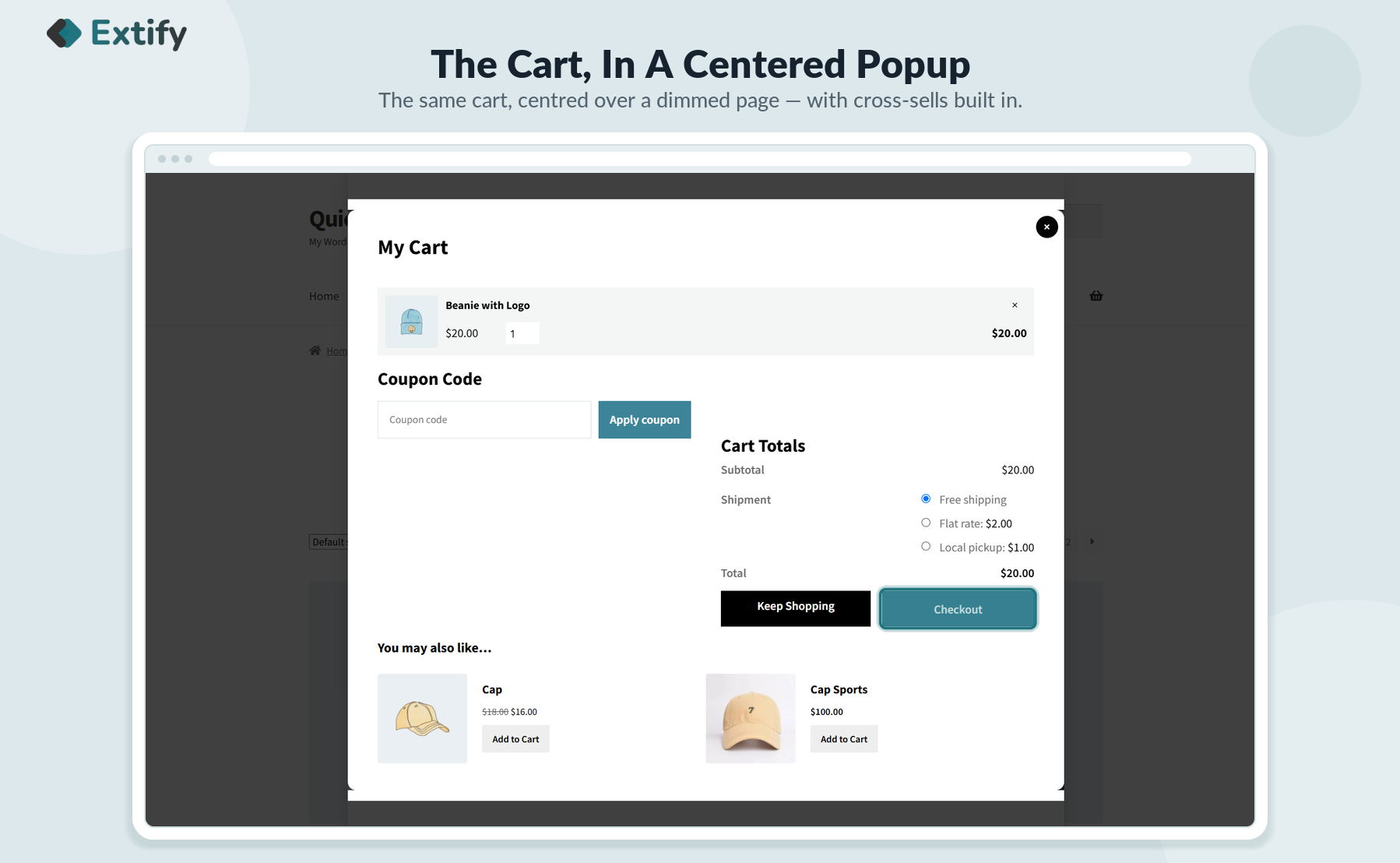
Enable customers to view cart and direct checkout in fully customizable centered popup or in side cart.
WooCommerce Direct Checkout & Quick Cart View is also available on WooCommerce Official Marketplace.
Skip Cart Page
Quick Cart Popup
One-Click Purchase
Customizable Flow
Plugin Highlights


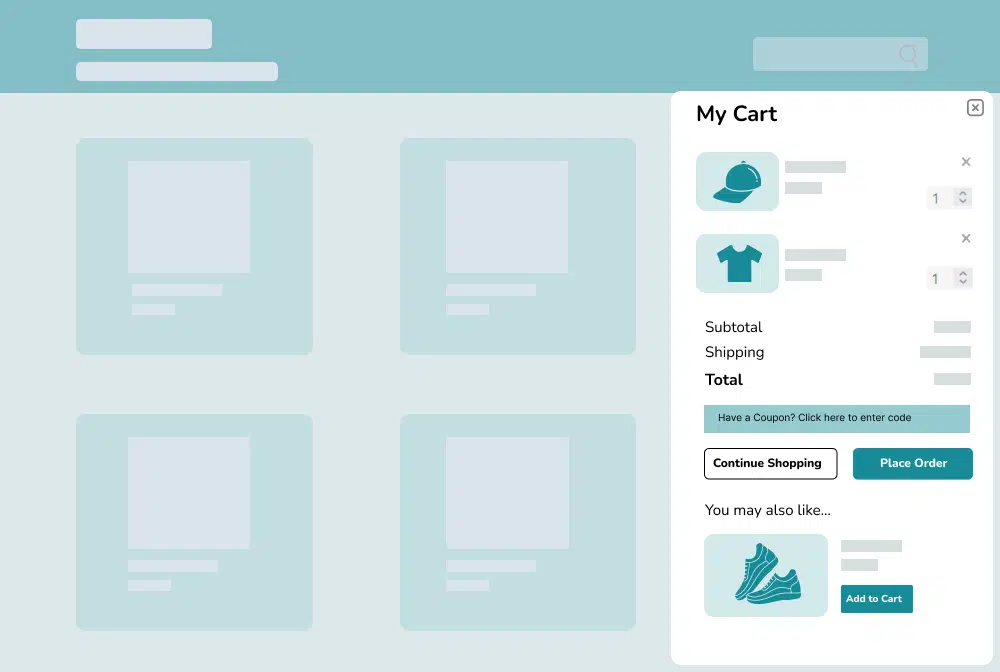
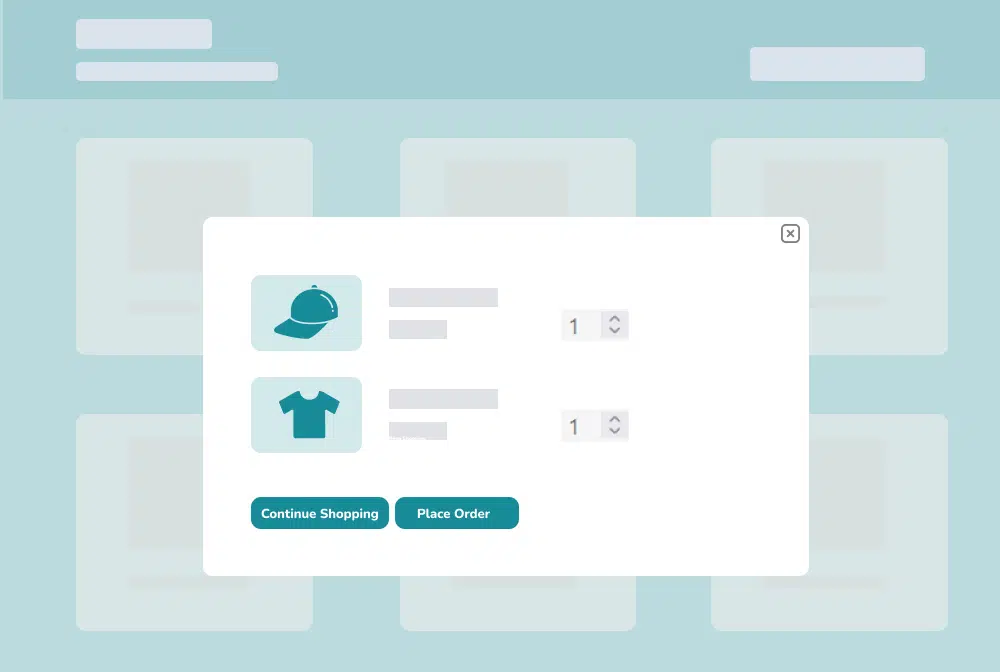
Allow customers to view cart upon adding product and checkout directly in the popup, leading to faster conversions
Key Features of Direct Checkout for WooCommerce
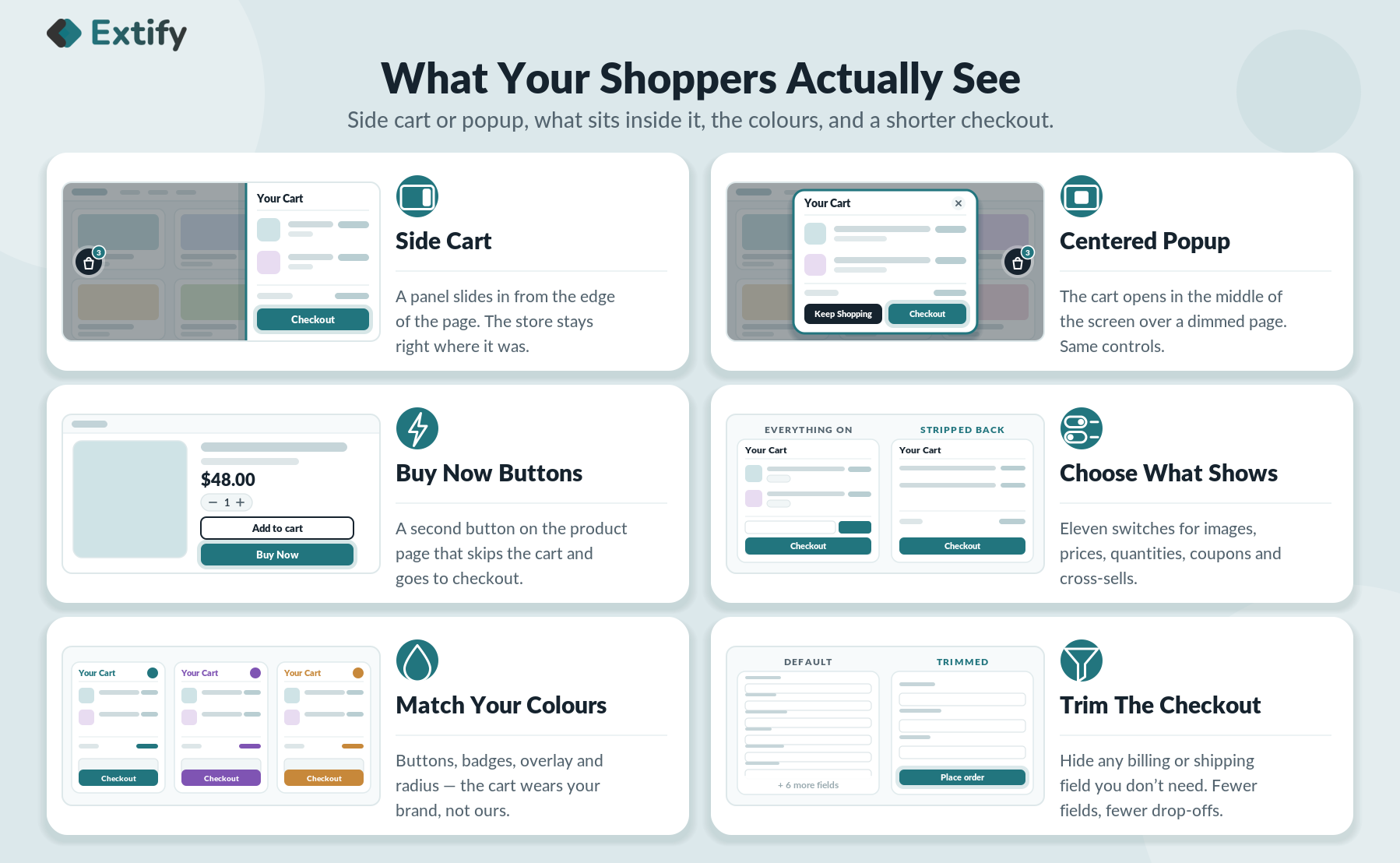
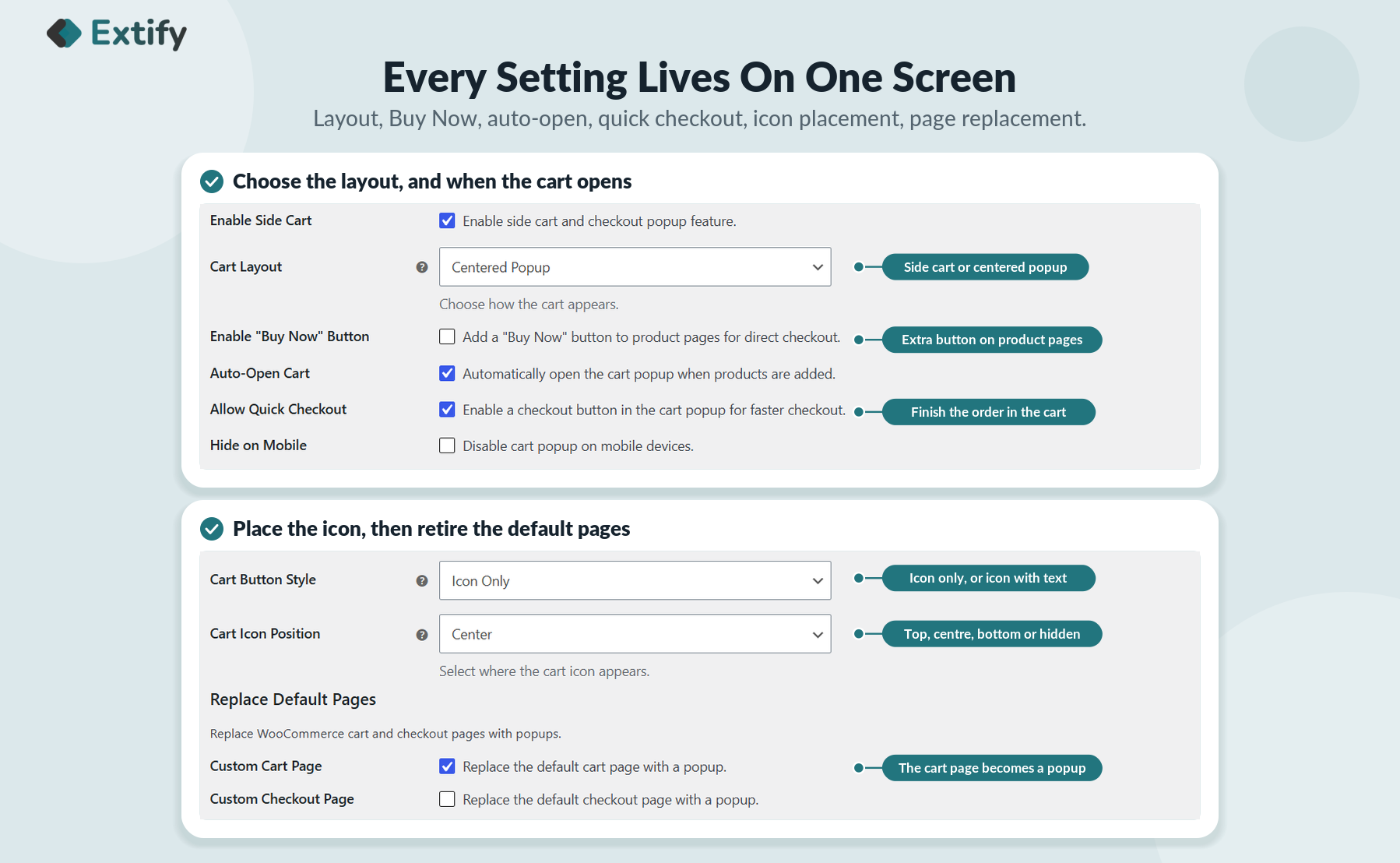
- Select Layout: Side Cart or Centered Popup
- Auto Open: Open cart popup immediately after adding a product
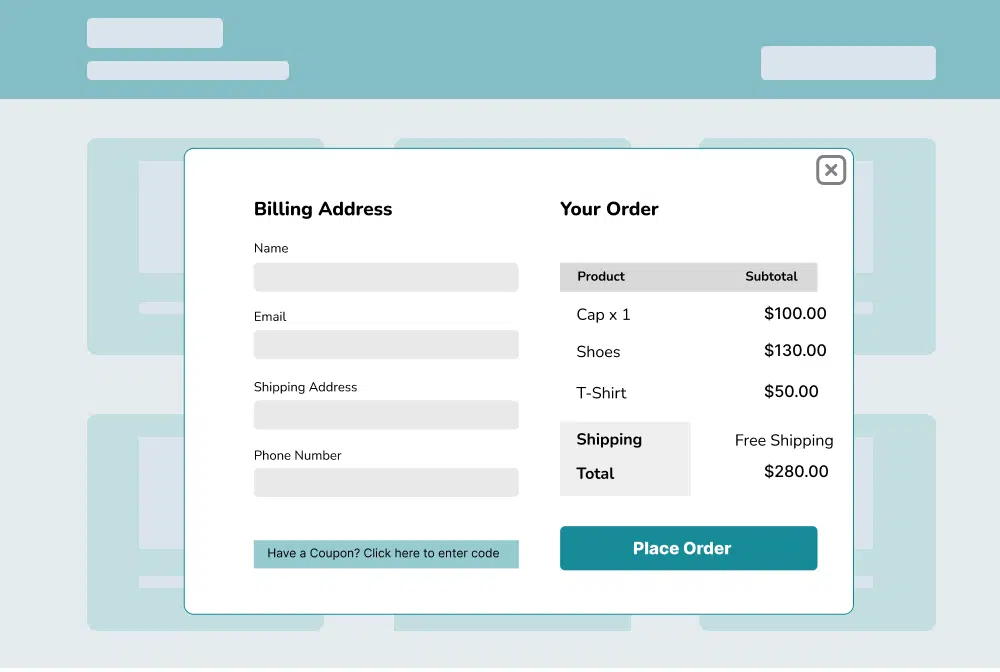
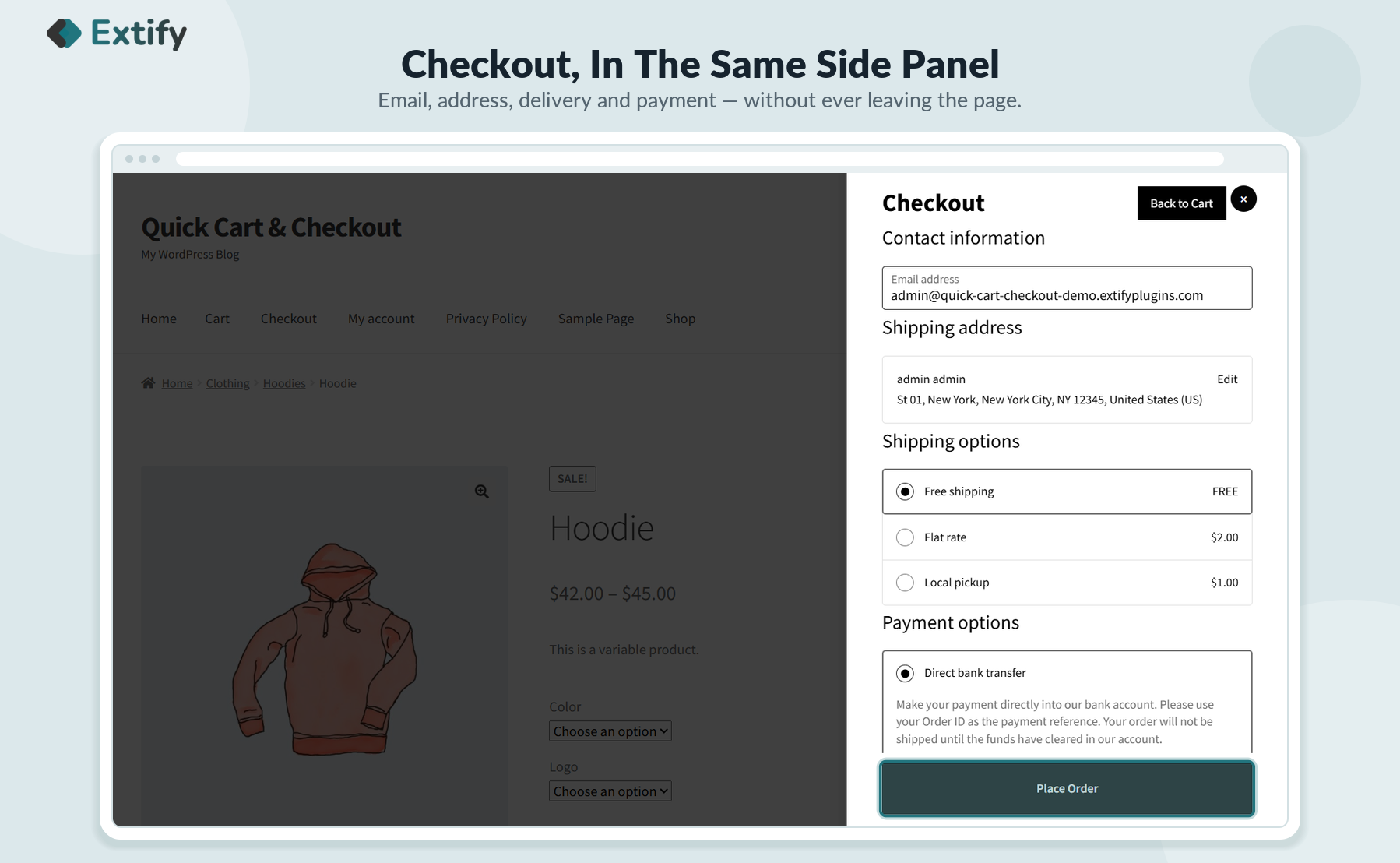
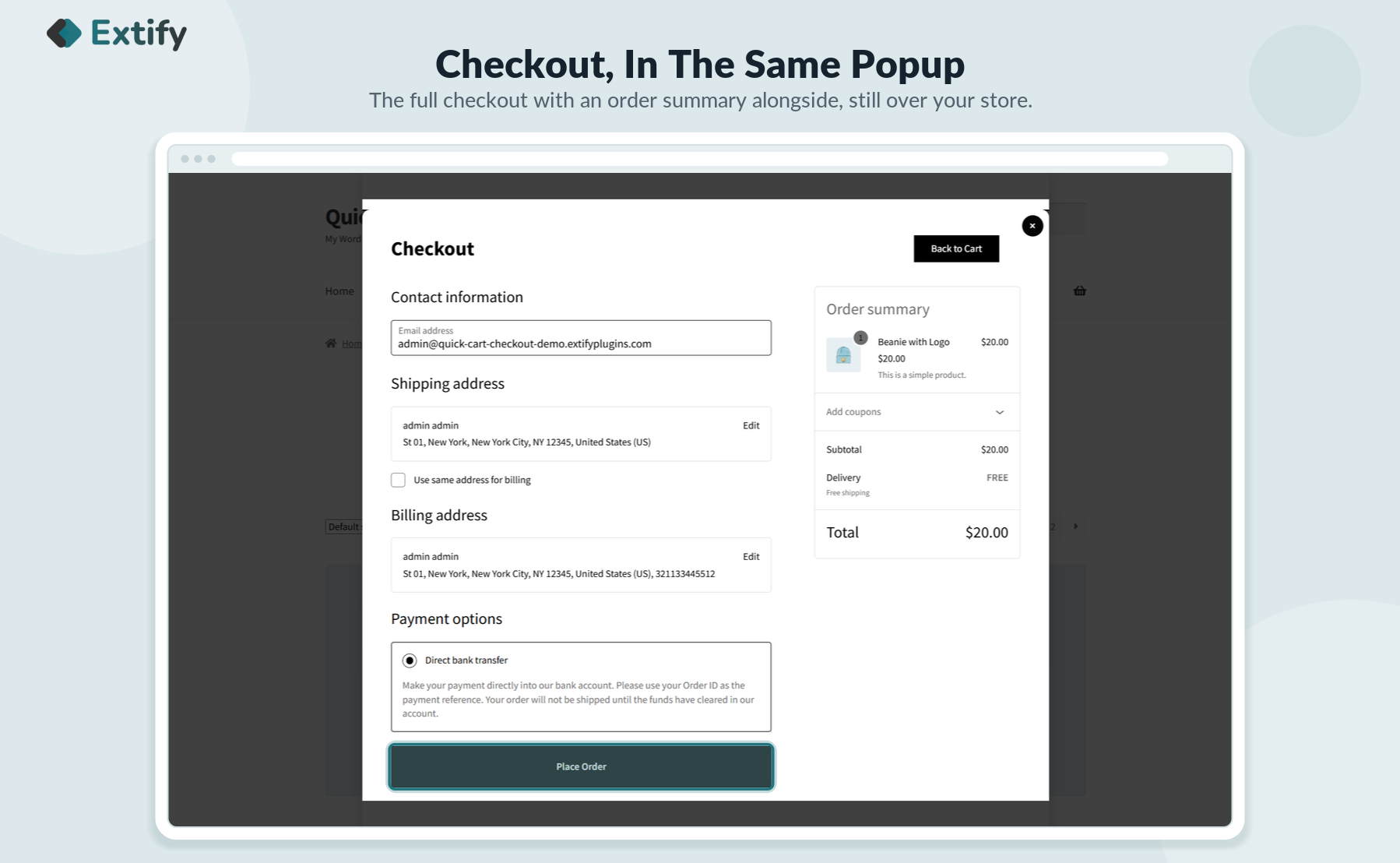
- Fast Checkout: Complete purchases directly in the popup
- Direct Checkout: Skip cart page and go straight to checkout
- Address Autocomplete: Autofill addresses using Google API
- Replace Cart Page: Open the Fast Cart instead of the default cart page
- Cart Icon Settings: Position (Top, Center, Bottom, Hidden) and Style (Icons only, Icon with text)
- Customizable Cart Content: Show product details, coupons, cross-sells, shipping info, and more
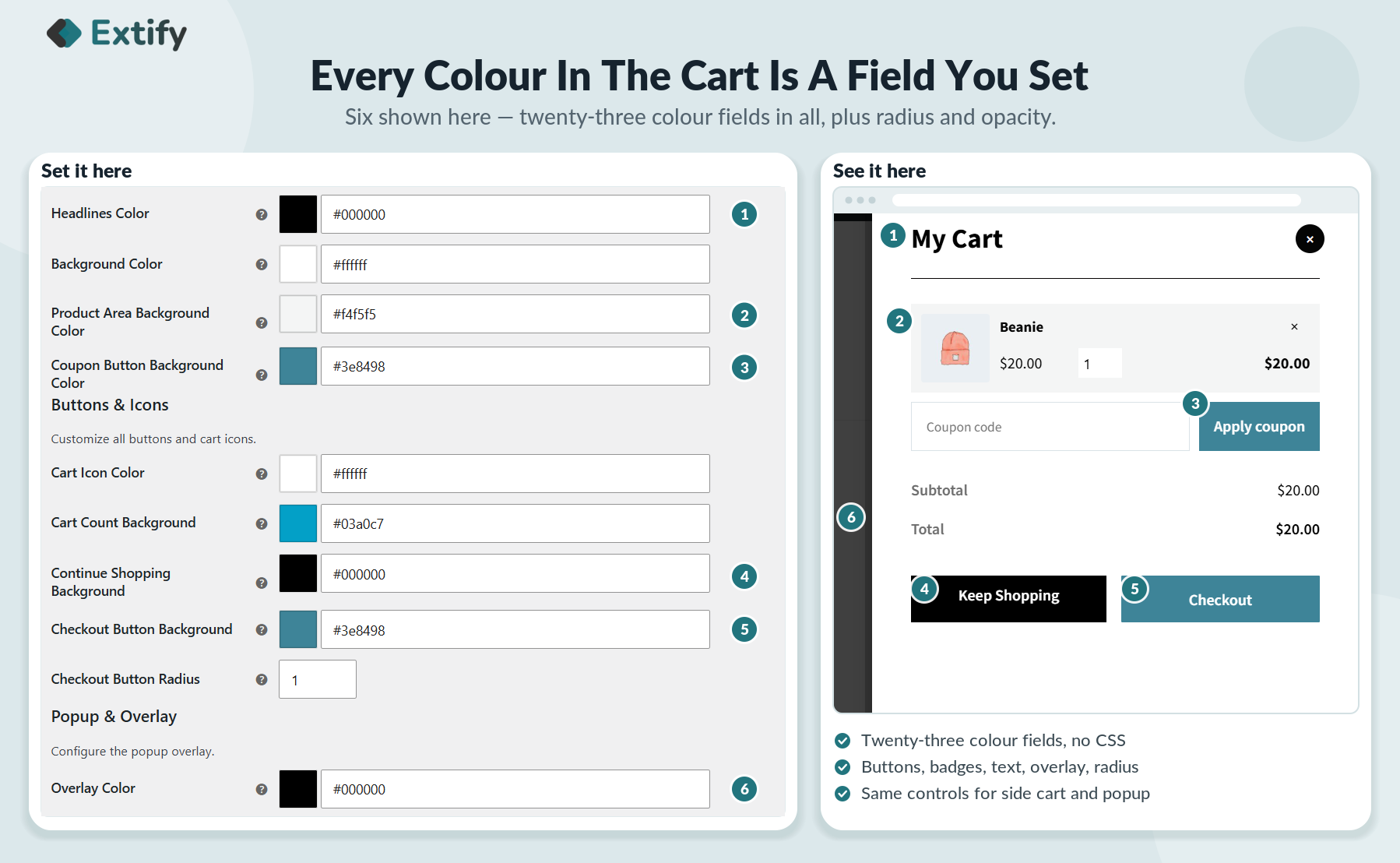
- Design Options: Customize cart and checkout popup colors, text, and button styles
Detailed Features

Place Order Quickly

Display a Quick Side Cart

Checkout Anywhere, Instantly

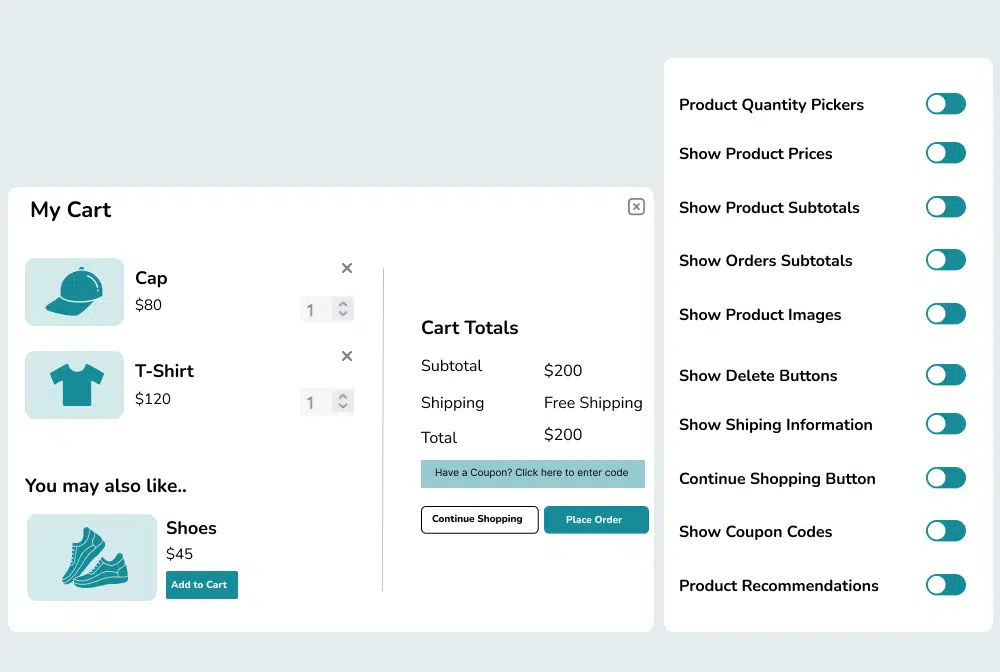
Choose Content to Display in the Cart Popup
- Display product images, subtotals, prices, and quantity pickers.
- Include coupons, order subtotals, shipping information, and cross-sells.
- Customize the “Keep Shopping” button to fit your brand.
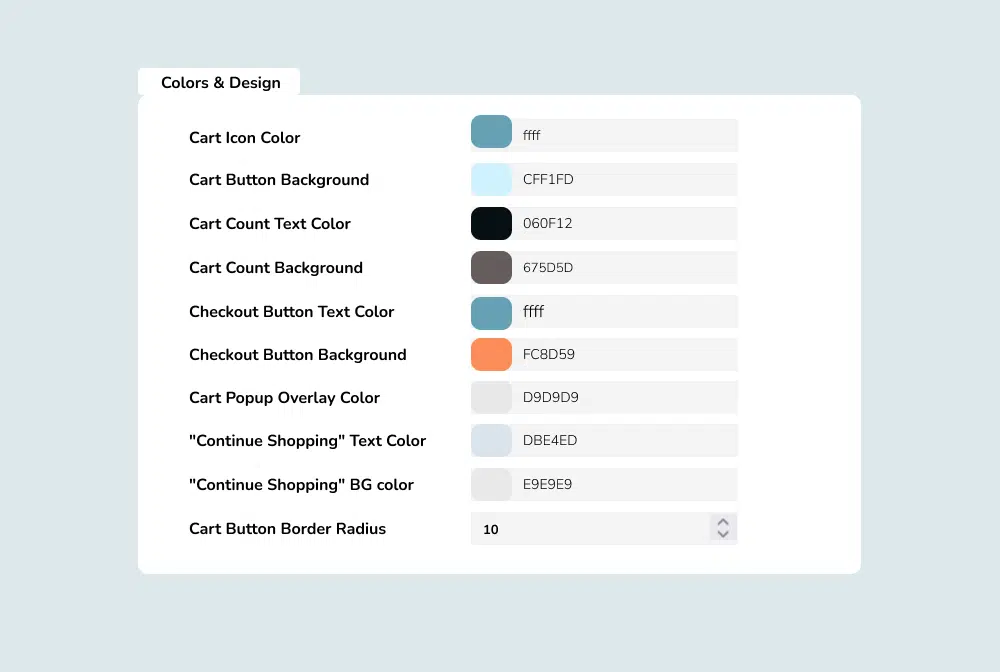
Customize Your Cart’s Look and Feel
- Customize the color and style of your cart icon and buttons.
- Control the appearance of the cart count and its background.
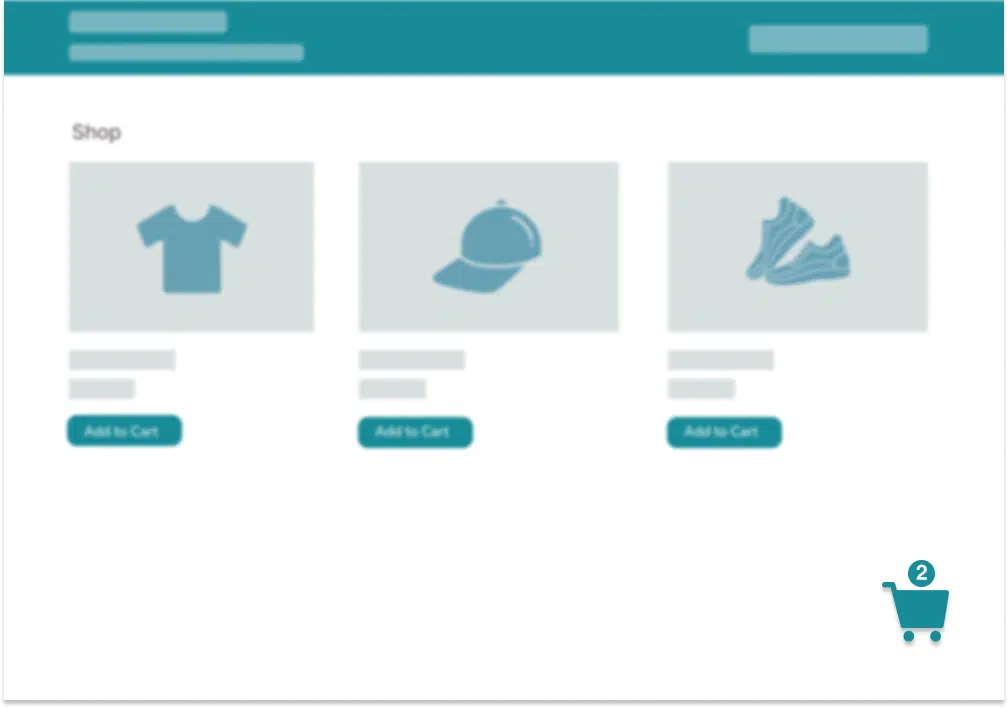
Cart Icon Settings
No reviews for this product yet.
| 5 star | 0% | |
| 4 star | 0% | |
| 3 star | 0% | |
| 2 star | 0% | |
| 1 star | 0% |
Sorry, no reviews match your current selections

30 Day Money Back Guarantee

Trusted by 5000+ Users

We Customize As You Need
Frequently Asked Questions?
Get started with Extify Plugin
Version: 1.0.2
Last Updated: January 28, 2025
Published On: December 2, 2024
Can I completely skip the cart page?
Yes, you can redirect buyers straight to checkout.
Does it work with variable products?
Yes, variations and product options are fully supported.
Can I still show the cart if needed?
Absolutely, you can enable quick cart view or the default cart.
Is the checkout process customizable?
Yes, you can choose the flow that best fits your store.
Will it work with all payment gateways?
Yes, it supports all WooCommerce-compatible payment gateways.
Related Products
File Upload for WooCommerce
Easily let customers upload files on Product, Cart, Checkout, and Order pages in your WooCommerce store. Customize upload rules, charge fees, set deadlines, and manage files from a dedicated admin dashboard.
WooCommerce File Upload is also available on WooCommerce Official Marketplace.
$39.00
Product Gallery Slider Pro
Enhance your WooCommerce product pages with a feature-rich gallery slider offering custom layouts, smooth transitions, zoom options, and social sharing. Tailor every element—from thumbnails to navigation.
$49.00
Mistakes Finder for WooCommerce
Identify and fix product data issues across your WooCommerce store—like missing prices, images, SKUs, and more. Filter, edit, and export errors from a single dashboard to keep your catalog clean and accurate.
$29.00
Sort | Hide Out-of-Stock for WooCommerce
Automatically hide out-of-stock products or sort them for a cleaner, more user-friendly experience.
$39.00
Product Comparison for WooCommerce
Implement sticky comparison bars, similar product sliders, and personalized button styling, allowing customers to easily compare products and make confident purchases within your WooCommerce store.
$49.00
Product Attachments Pro
Add downloadable and viewable files to products. Customize display, manage access, and enhance customer experience with manuals, guides, and more.
Product Attachments for WooCommerce is also available on WooCommerce Official Marketplace
$39.00
Write a Review