



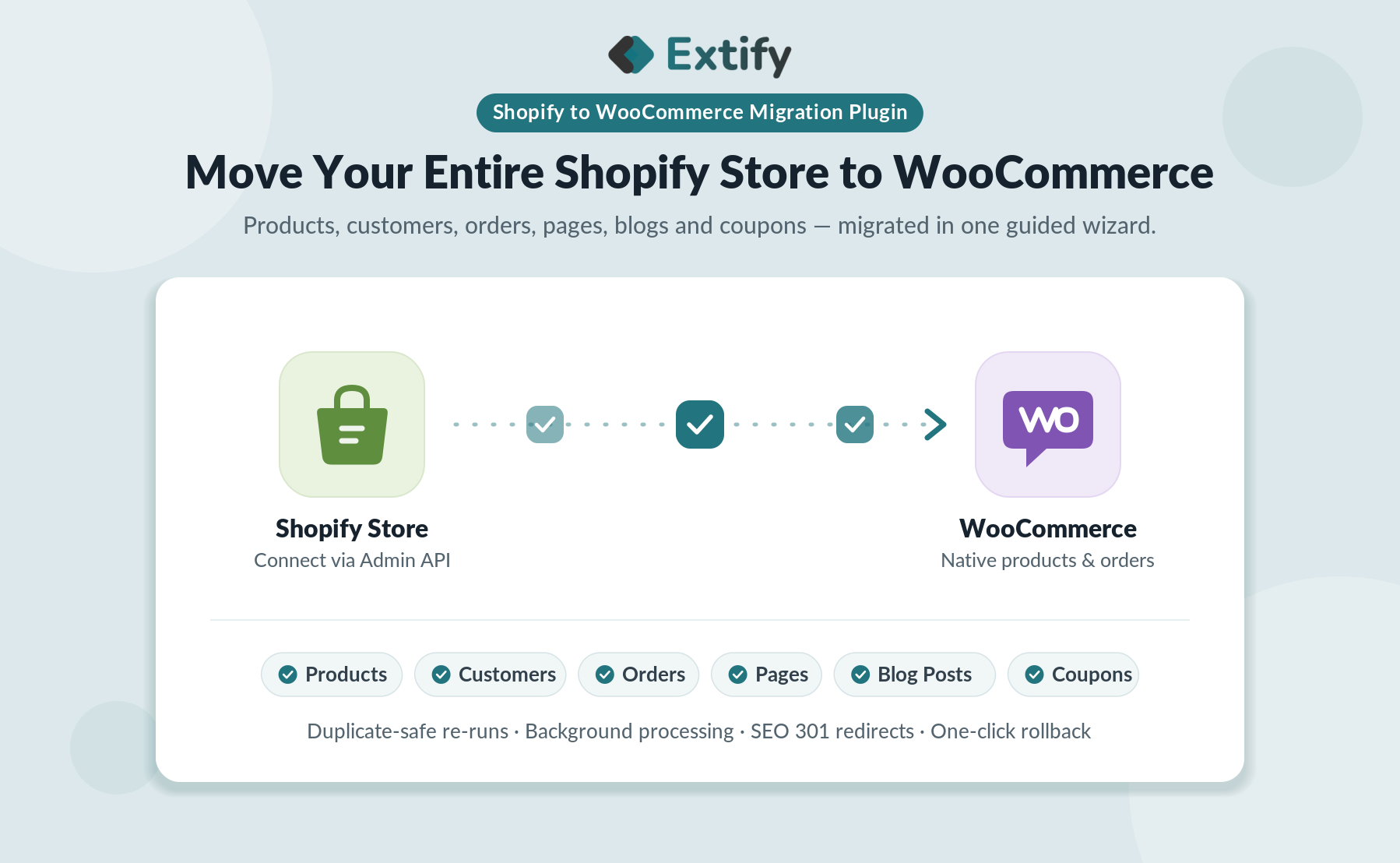
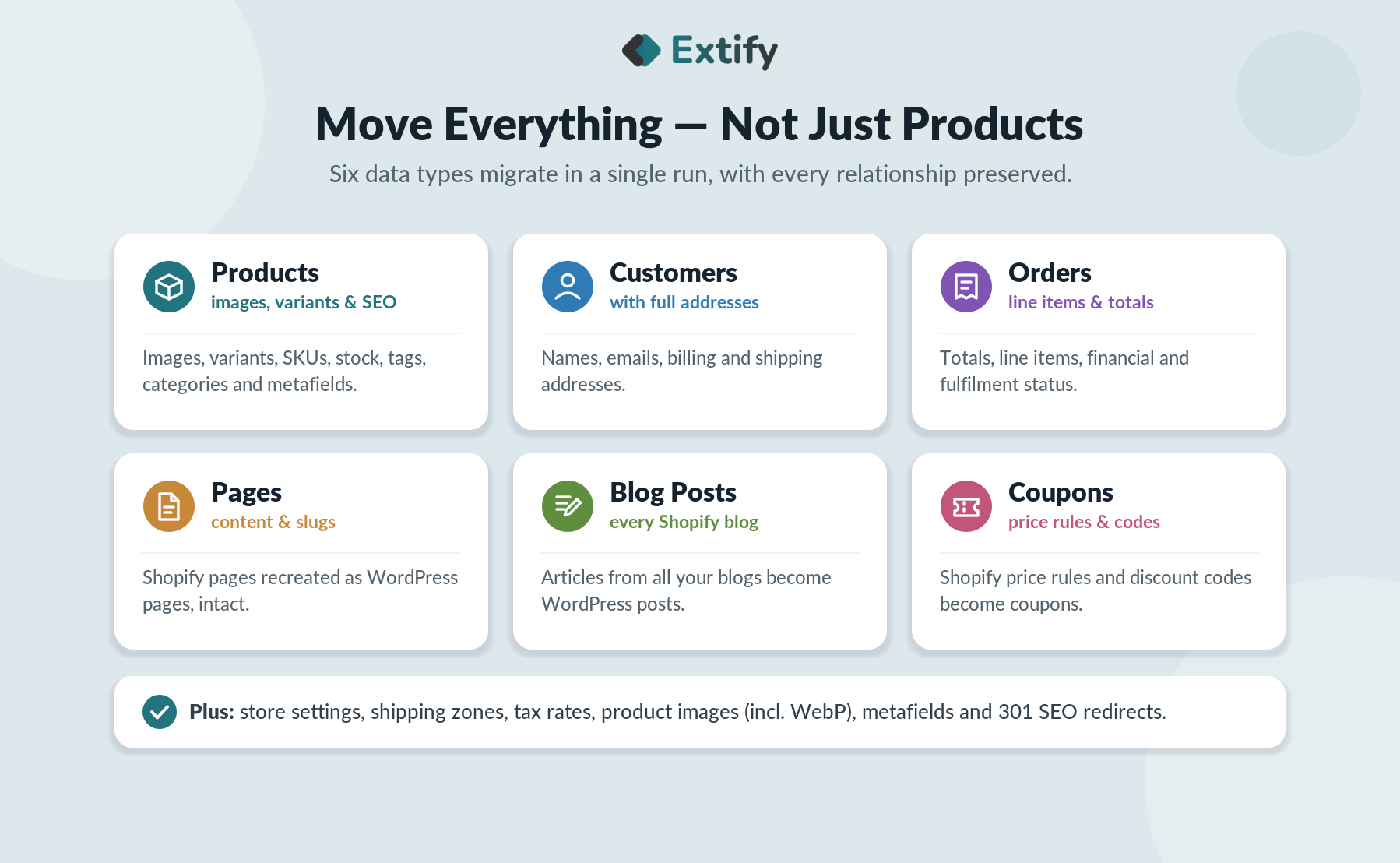
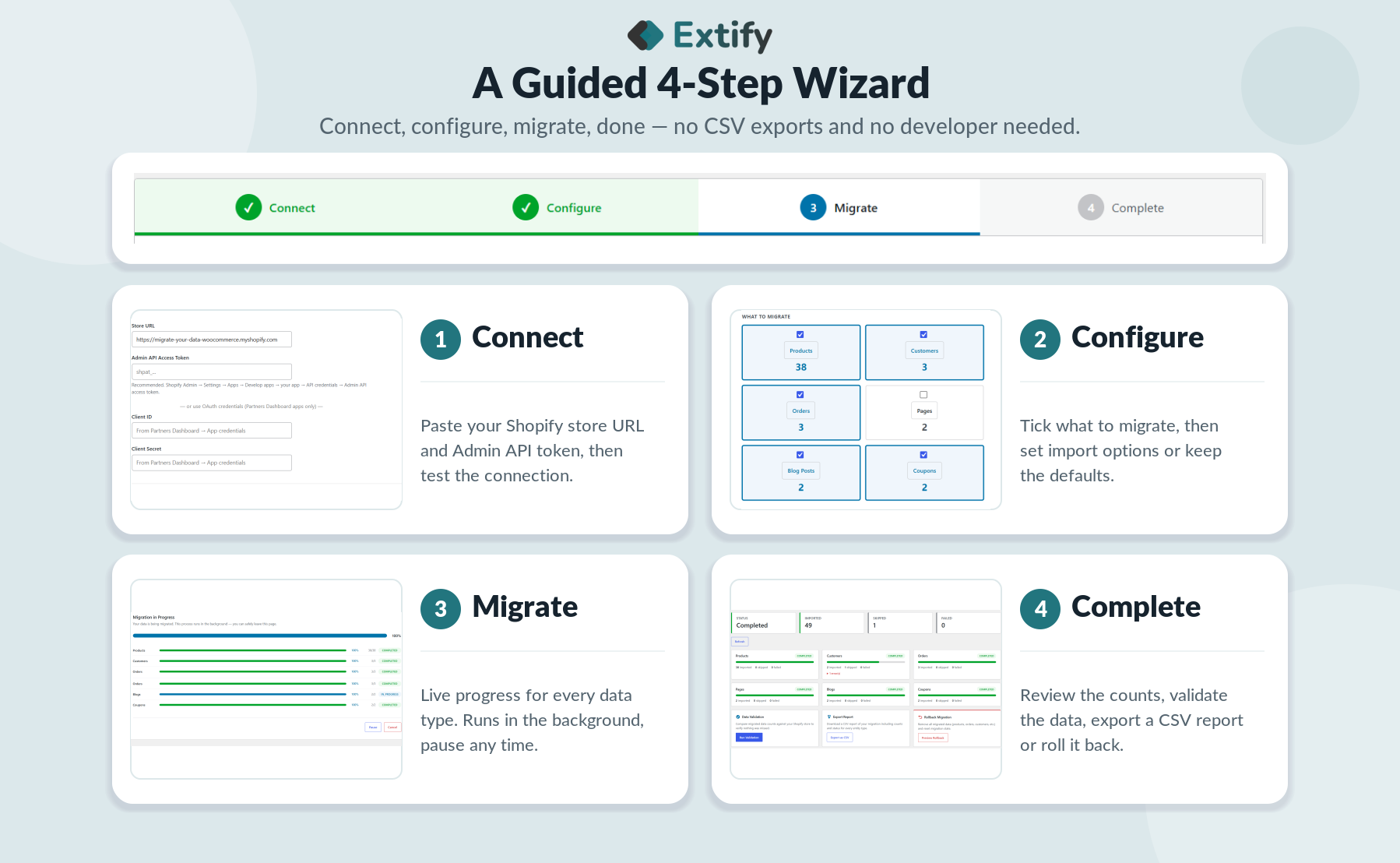
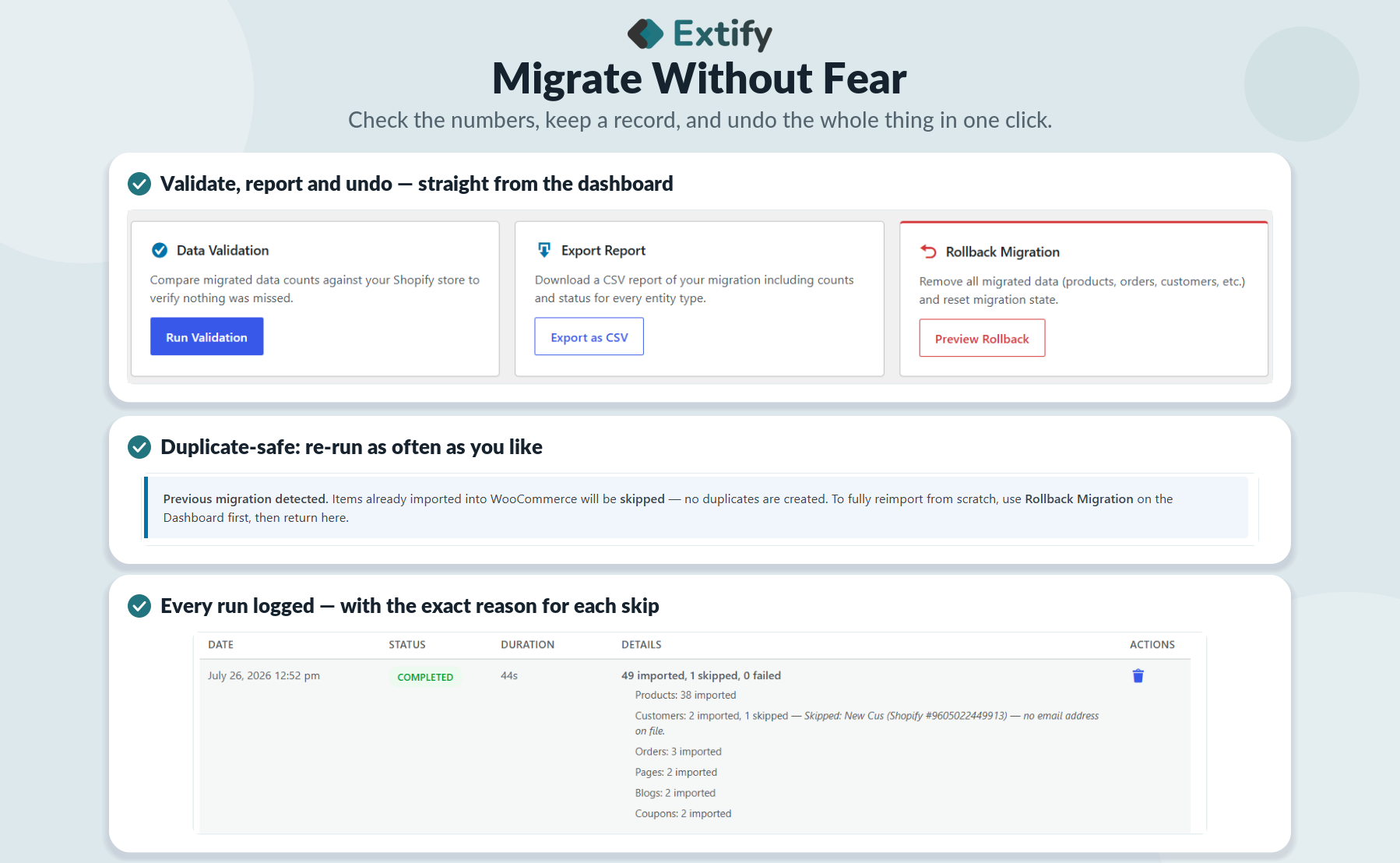
Three Simple Steps
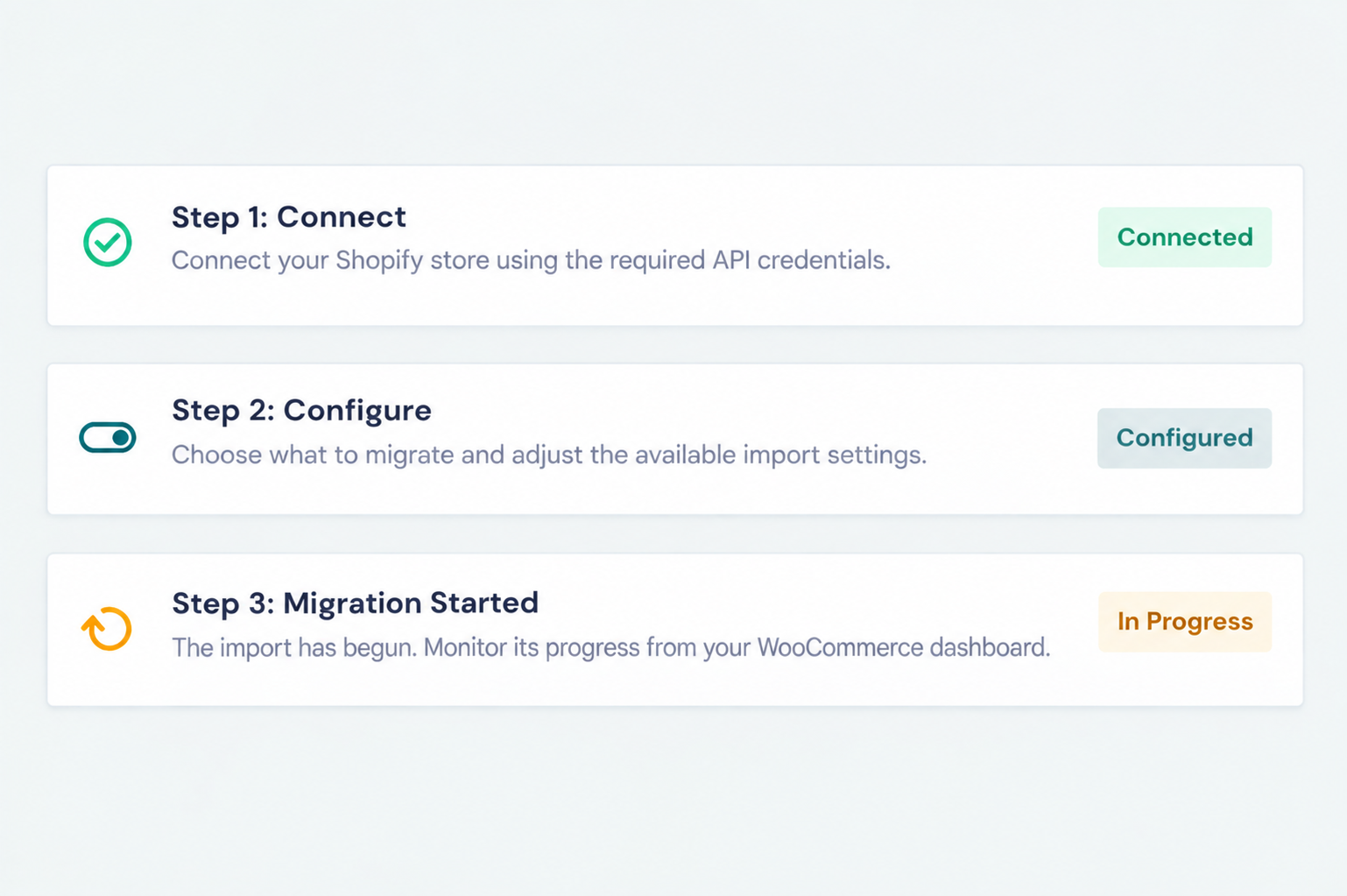
- Connect — Connect your Shopify store using the required API credentials.
- Configure — Choose what to migrate and adjust the available import settings.
- Migrate — Start the import and monitor its progress from your WooCommerce dashboard.
Dedicated Dashboard
-
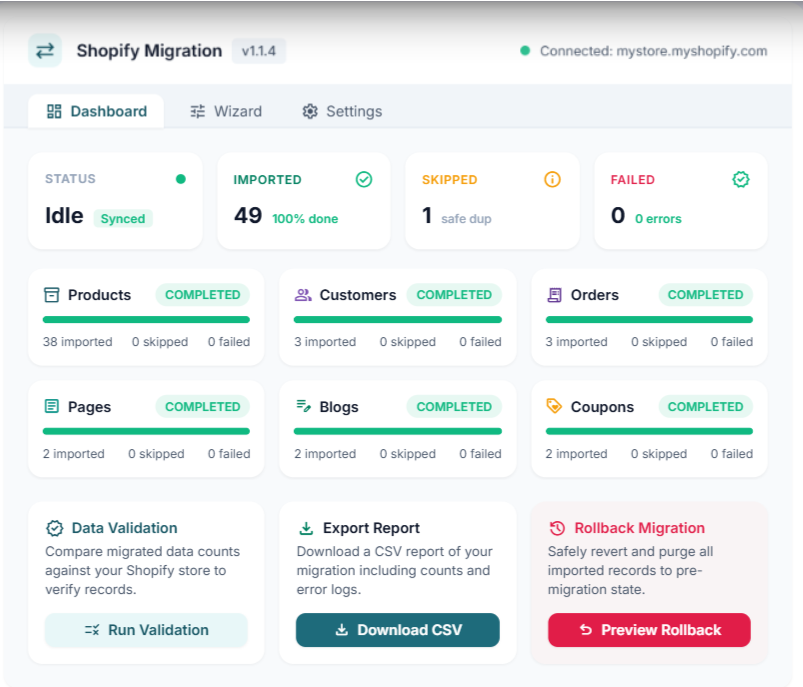
Live Status Cards: Tracks total Imported, Skipped, and Failed records alongside real-time system status.
-
Entity Progress: Breaks down progress across Products, Customers, Orders, Pages, Blogs, and Coupons with itemized counters and progress bars.
-
Data Validation: Runs automated checks against Shopify to verify record counts and catch discrepancies.
-
CSV Export: Downloads detailed error logs and audit reports for troubleshooting.
-
Rollback Safeguard: One-click reset to restore the store to its pre-migration state.
Configure Your Migration
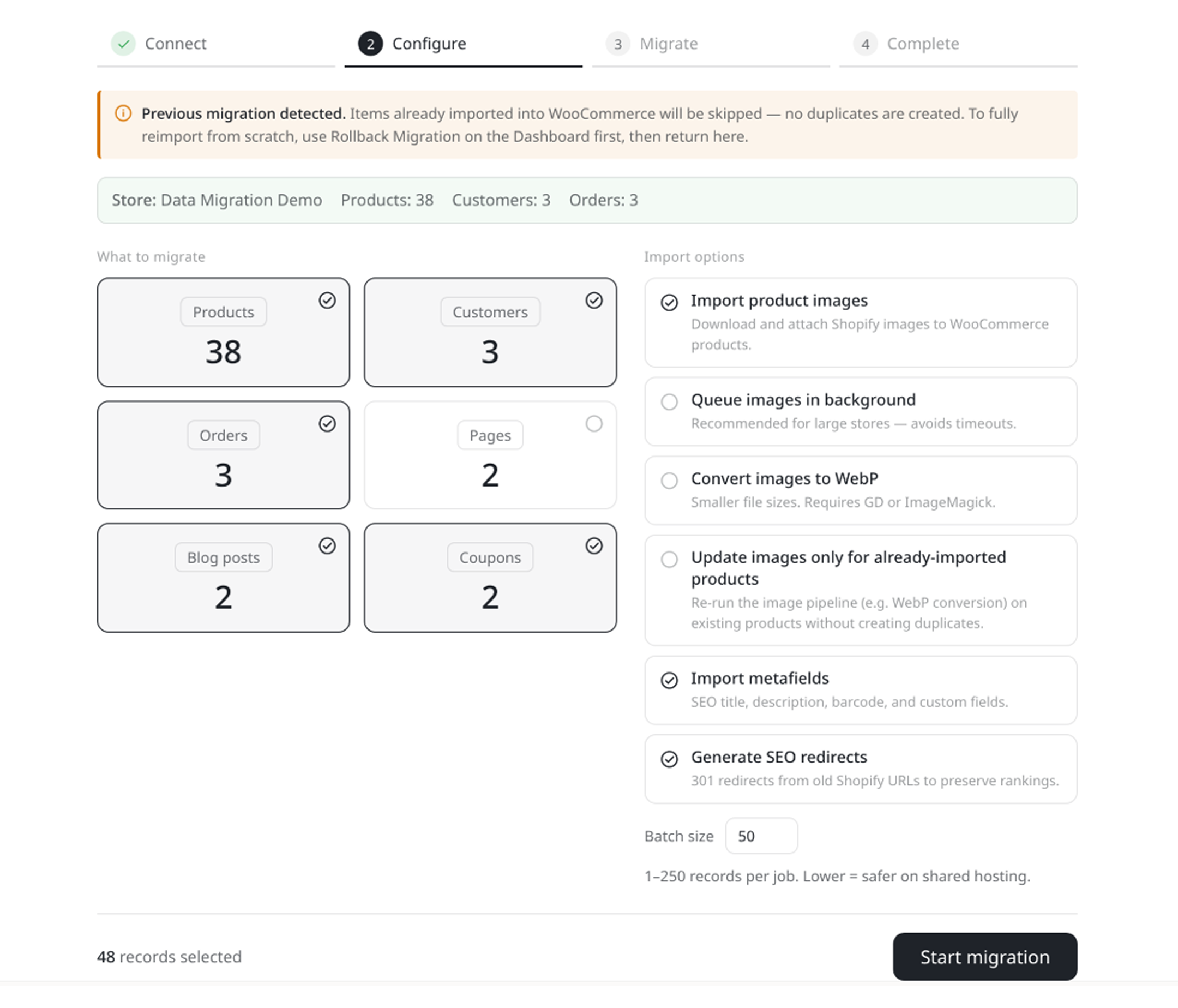
Choose exactly what you want to import and fine-tune how the migration works.
- Select data: Products, customers, orders, pages, blog posts, and coupons.
- Manage images: Choose how product and media images are handled.
- Preserve SEO: Configure SEO redirects to maintain existing URLs.
- Customize imports: Adjust metafield handling and batch size before starting.
Review your settings, then start the migration when everything looks right.
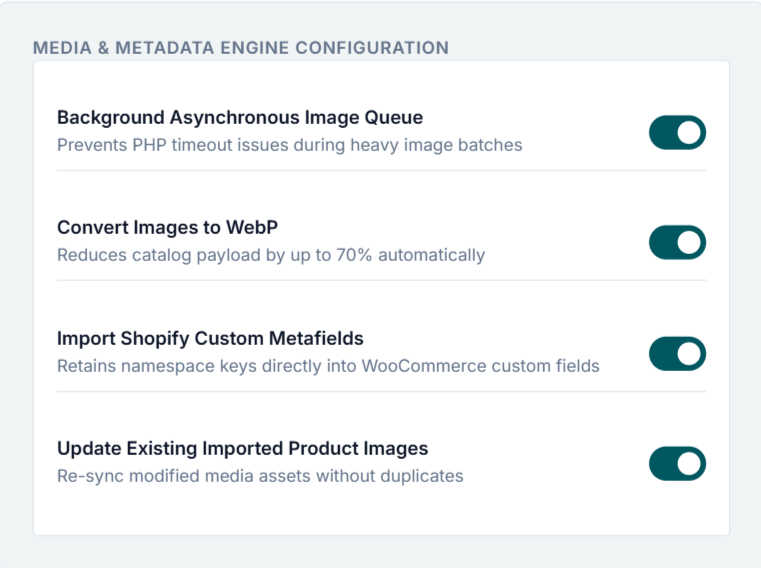
Advanced Import Options
Product Images
-
Automated Image Fetching: Sync main products, variations, and image galleries directly from Shopify.
-
Background Queue: Offload heavy image downloads to the background to avoid server timeouts.
-
Auto WebP Conversion: Convert imported media to WebP format for faster page load speeds.
-
Image Sync: Easily update or replace product media without re-importing full catalog data.
Product Metadata
-
Shopify Metafields: Map Shopify metafields directly to custom post fields or plugins like ACF.
-
Preserve Specs: Retain custom attributes, vendor tags, barcodes (UPC/EAN/ISBN), and dimensions.
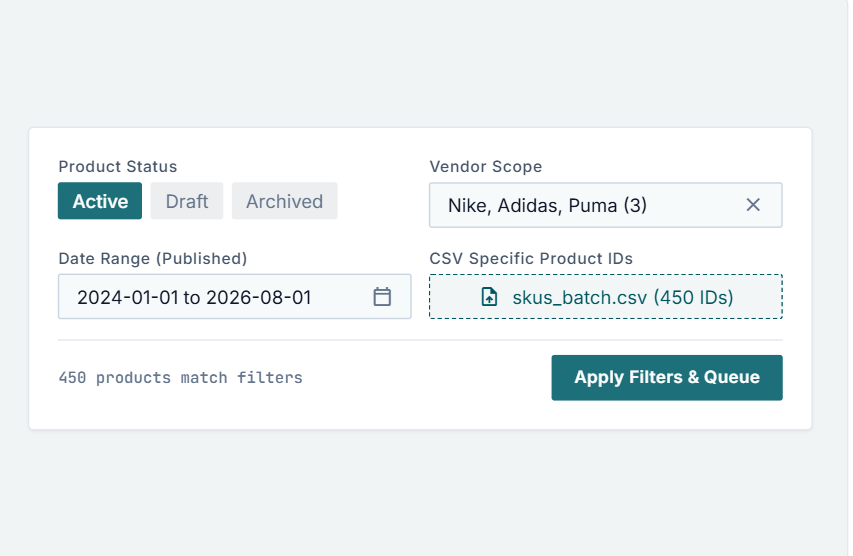
Migrate Specific Products
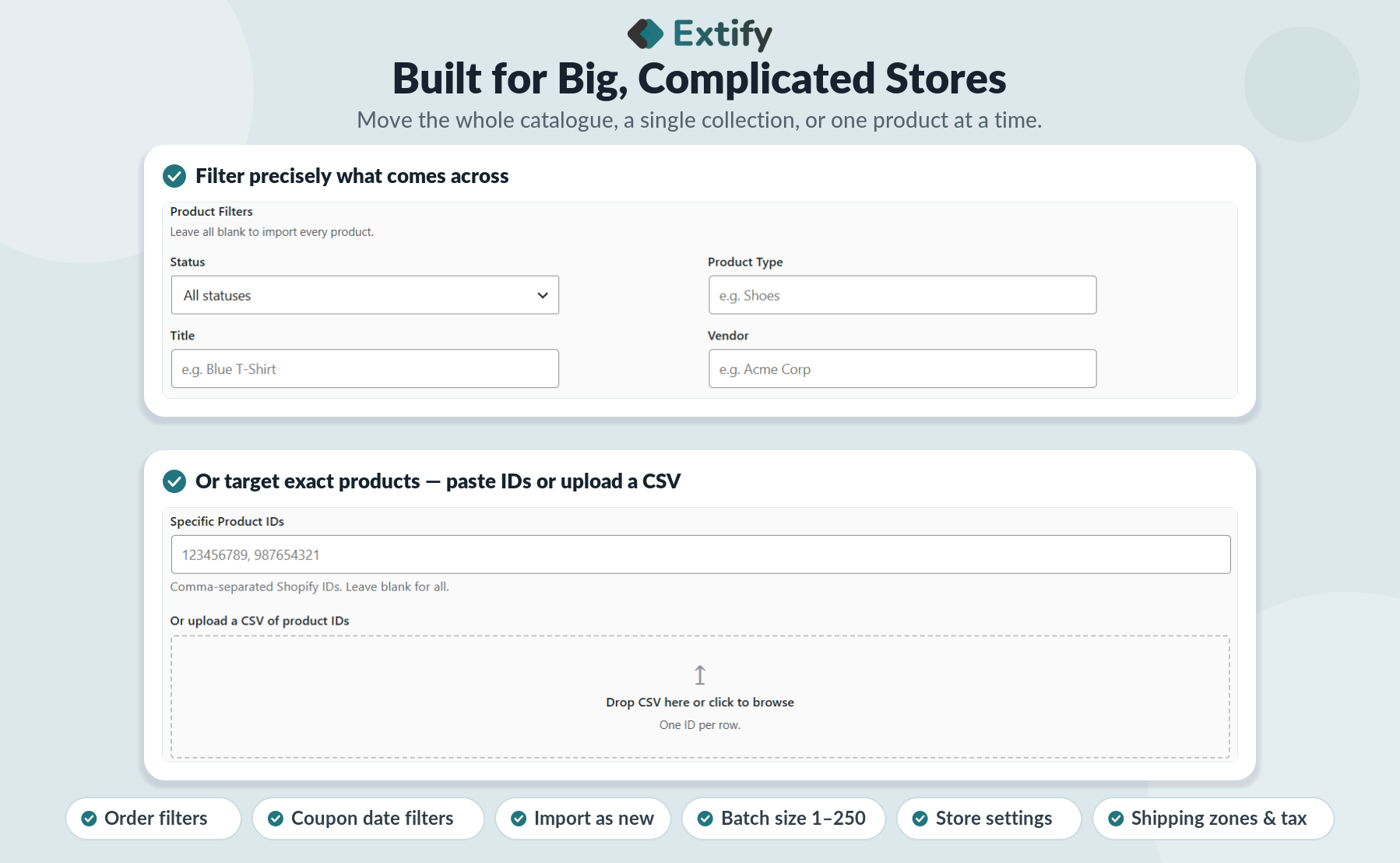
Migrate your entire catalog or pinpoint exact items with granular product filters.
-
Status Filtering: Import items based on visibility (Active, Draft, or Archived).
-
Type & Vendor Rules: Filter products by specific categories, types, or assigned vendors.
-
Title & ID Selectors: Choose specific product titles or target individual Product IDs.
-
Date Range Controls: Migrate products created or published within targeted date ranges.
-
CSV Bulk Upload: Upload a CSV file of specific Product IDs for instant batch filtering.
Transfer precisely what your new WooCommerce store needs—no bloated catalogs or manual cleanup.
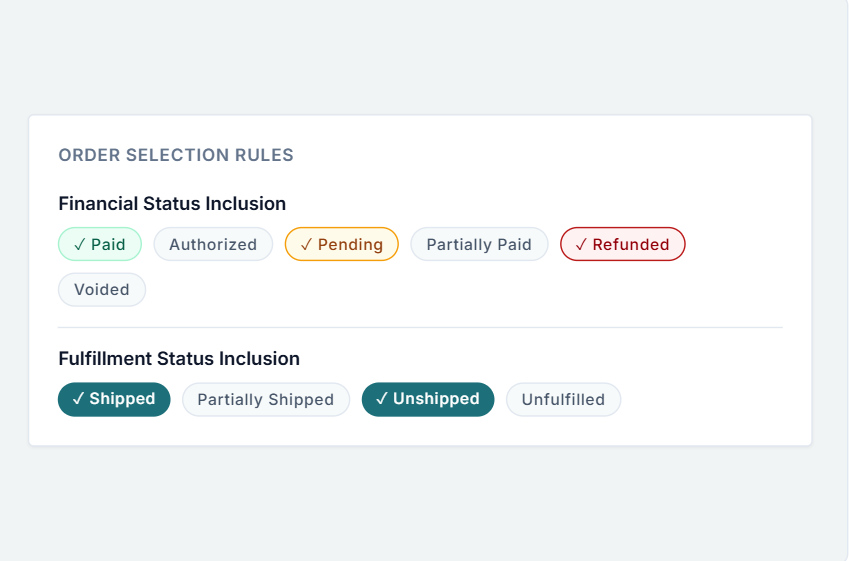
Migrate Order & Financial History
Migrate your historical orders based on exact payment and delivery states.
-
Financial Status Filtering: Target specific payment states, including Authorized, Pending, Paid, Partially Paid, Refunded, and Voided.
-
Fulfillment Status Filtering: Filter by delivery status, including Shipped, Partially Shipped, Unshipped, and Unfulfilled.
Import only the relevant customer order histories you need—keeping your WooCommerce order database clean and accurate.
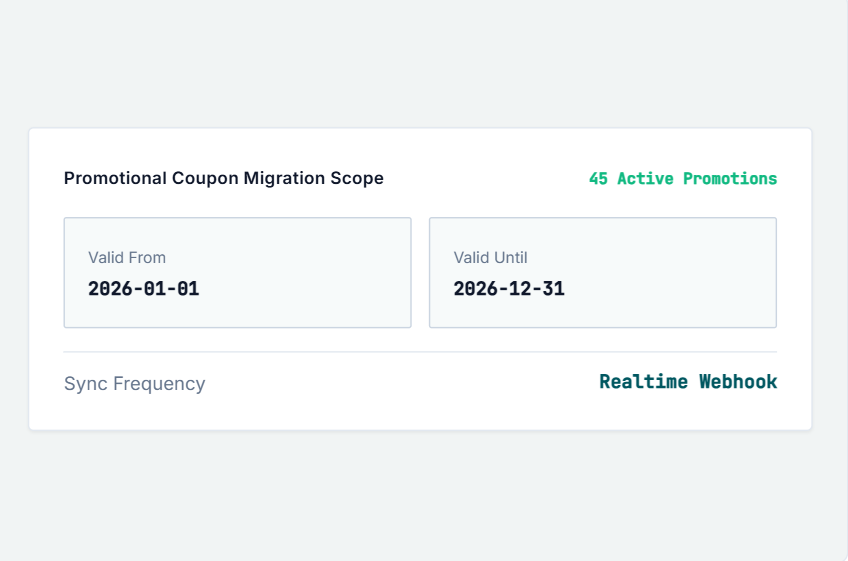
Migrate Specific Coupons
- Filter by start date
- Filter by expiration date
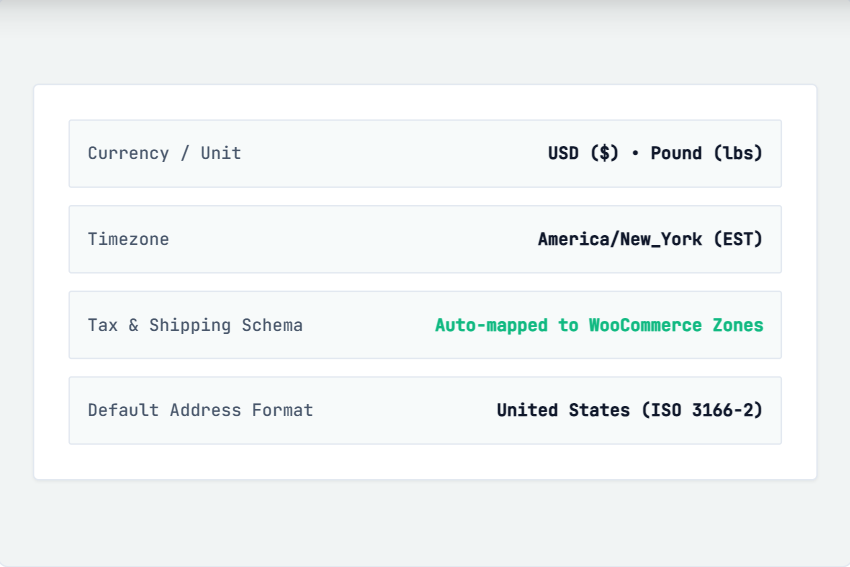
Import Store Settings
Bring essential Shopify store settings into WooCommerce for a smoother migration.
- Store name & email
- Currency & weight unit
- Timezone
- Store address
- Shipping settings
- Tax settings

30 Day Money Back Guarantee

Trusted by 5000+ Users





Fast, simple, hassle-free store migration.
This plugin migrated our data much faster than expected. We were able to transfer our store data in just a few steps. Highly recommended
Extify plugins have consistently worked well for us, and their customer support has been highly professional. Whenever we’ve needed assistance, the team has responded quickly and helped resolve our issues efficiently.
The flexibility this plugin provides made our Shopify-to-WooCommerce migration much easier. We could choose the store data we wanted to transfer, including products, customers, orders, pages, and coupons, instead of handling everything manually. The setup was straightforward, and the migration saved us a significant amount of time
A few settings required clarification, but the support team was helpful, professional, and quick to respond